
Changelog

Follow new updates and improvements to Astra Security.

Postman Credential Verification
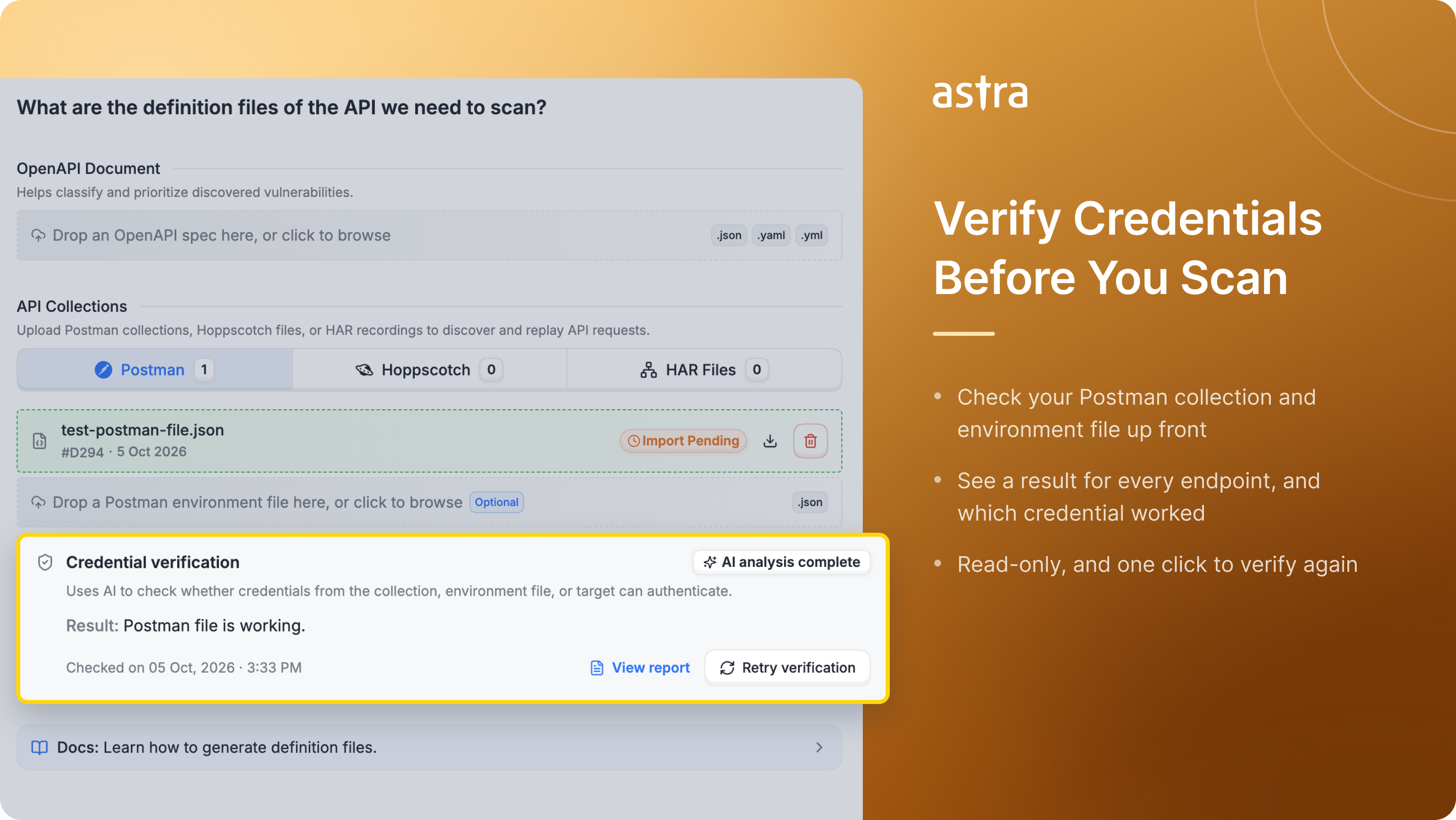
A scan only reaches the endpoints its credentials can open. If a token in your Postman collection has expired or an environment variable is wrong, scans miss your authenticated endpoints and pentests stall until you send updated files. You can now check your Postman credentials before testing starts.

What's new

  • Verify Before You Scan – Upload your Postman collection and environment file, then click Run Verification. Astra checks whether your credentials can authenticate against your API, usually within a few minutes.

  • No Pentest Delays – Confirm your files work before the engagement starts, so testing doesn't wait on a fresh collection or environment file.

  • Every Credential Source, Together – Credentials from your collection, your environment file, and the target's saved authentication are checked as one setup, so you see how your scan will actually behave.

  • Clear Result for Every Endpoint – Each endpoint shows a clear result, along with which credential worked. A short summary explains the overall result.

  • Safe to Run – Verification is read-only. It doesn't change any data on your API, and credential values never appear in the report.

  • Re-verify in One Click – Rotated a token or replaced a file? Click Retry verification to check again.


Catch broken credentials before testing starts, not after. Available for API and Web targets on selected plans. Give it a try and tell us what you think.
Improved

Improved start pentest/scan setup

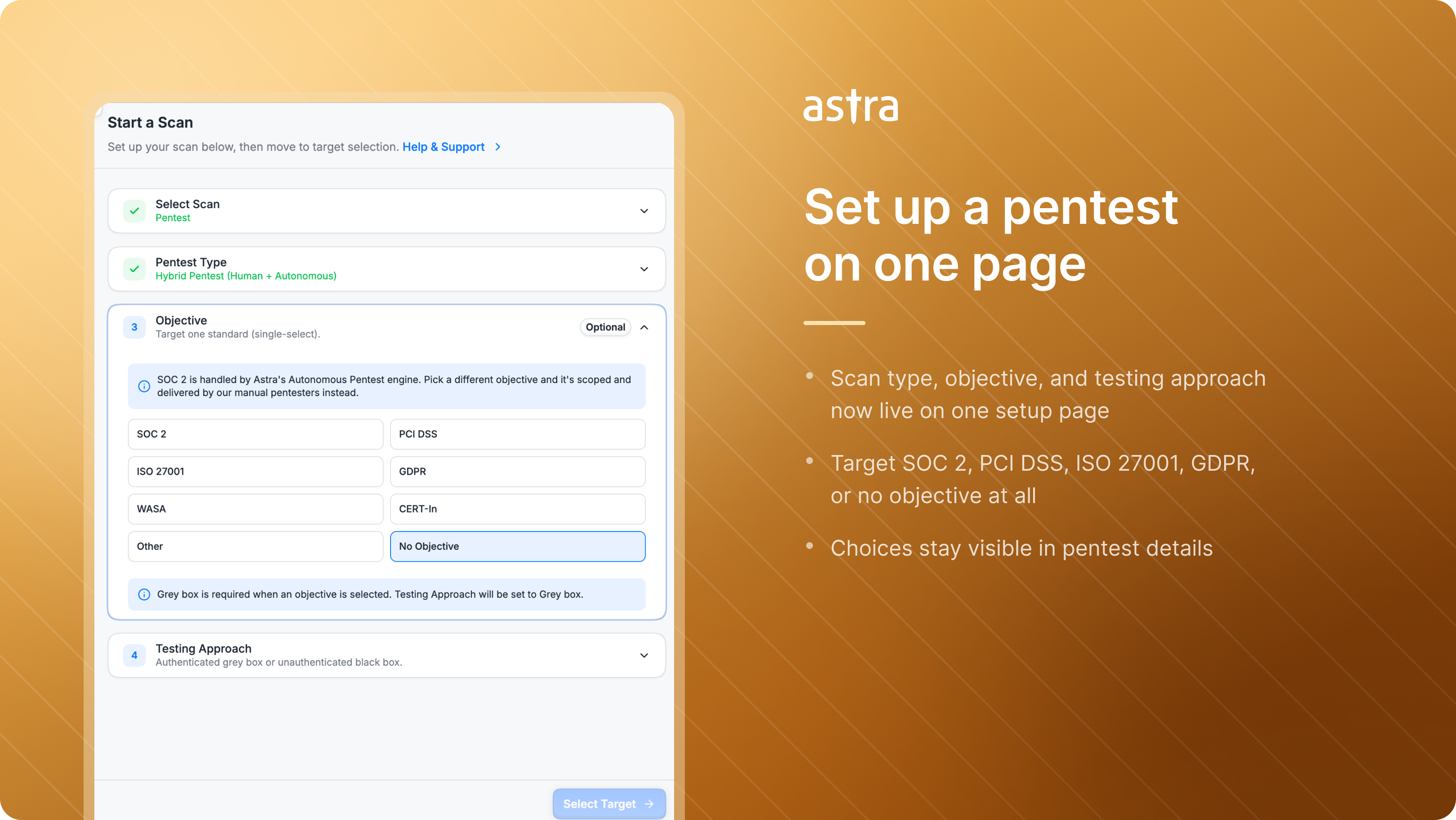
Setting up a pentest now happens on a single page. Scan type, objective, and testing approach are all chosen before you move to target selection, replacing the multi-step flow that came before.

Improvements

All-in-One Pentest Setup – The Start Scan flow now brings scan type, objective, and authenticated or unauthenticated testing together on one setup page, ahead of target selection. What used to take several steps is a single screen.

Objective Selection – Choose an objective that matches what the pentest is for. Objective section include SOC 2, PCI DSS, ISO 27001, GDPR, WASA, and CERT-IN, alongside a custom option and No Objective when none applies.

Testing Approach – Run a pentest with login credentials as authenticated grey box testing, or without them as unauthenticated black box testing. Selecting an objective requires grey box, so the testing approach is set for you and credentials are requested before launch.

Credential-Aware Targets – Targets without saved login credentials can only run unauthenticated testing. For grey box pentests you can now add credentials directly from the scan start sheet, without leaving for another page.

Improved

Jira Sync, Scan Flow Improvements & Platform Fixes

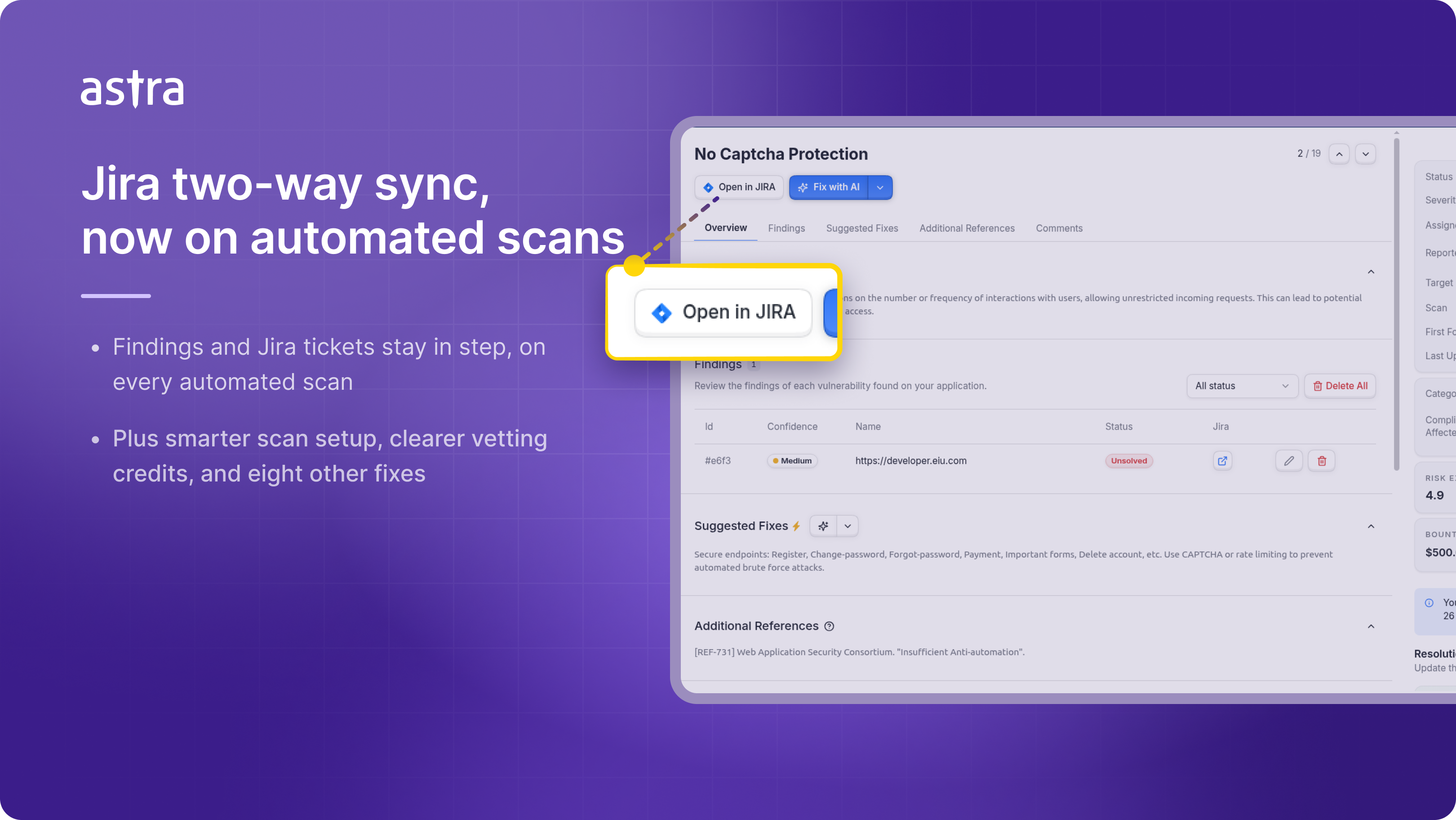
This release brings Jira two-way sync to automated scans, makes scan setup and vetting requests clearer, and fixes eight issues across pentest, vulnerability, and API scanning flows.


Improvements

  • Jira Two-Way Sync for Automated Scans – Two-way sync now works with automated scans, not just pentests. Once it's enabled, changes made in either system carry across to the other, exactly as they already do for pentests. Reach out to support to get access.

  • Smarter Scan Setup Defaults – When your plan supports only one scan type or subtype, Astra preselects it instead of asking you to step through the choice.

  • Clearer Vetting Credits – The Request Vetting flow now labels available requests more clearly, so you can see how many you have left before you submit.

  • Improved Vulnerability Completion Copy – Messaging now correctly refers to marking business-acceptable findings as accept risk, instead of using misleading false-positive wording.

  • More Useful Astranaut Bot Replies – Customer-facing comment replies from Astranaut Bot now carry more of the detail you need.

Bug Fixes

  • Restarting Pentest Scans – Fixed an issue that prevented some pentests from being restarted from certain progress states.

  • Automated Scan Finding States – In Auto Pentests, vulnerabilities reported by Bounty Hunters or Structured Pentesters now get reported directly in Unsolved status.

  • Vulnerabilities Page Pagination – Changing the page number in the URL no longer opens an empty page when findings exist.

  • HAR File Uploads – Fixed errors that could appear while adding a new HAR file during API scanning setup.

  • Pentest Scan Start Failures – Fixed an internal server error that could block a pentest scan from starting.

  • Duplicate Jira Tickets – Fixed a regression that created Jira tickets for automated scans when users had only set them up for pentests.

  • Endpoint Details Layout – Fixed endpoint URL overflow in the import endpoint details sheet.

  • Bounty Hunter Report Status – The report widget now reflects the correct status more reliably.

Improved

Earlier updates