Enhanced Navigation, Visibility, and Fixes
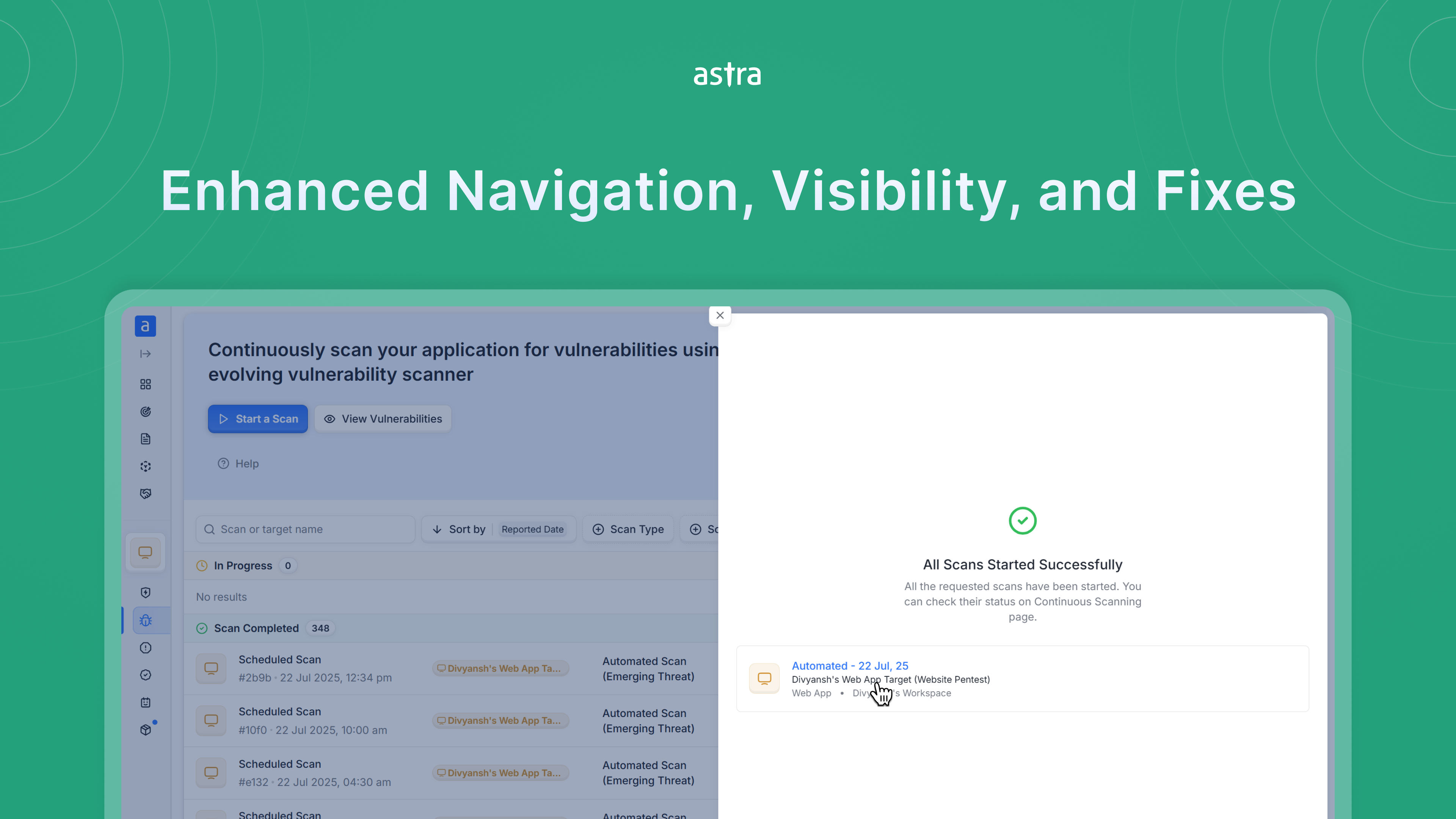
This update focuses on making your workflow smoother and more intuitive — from clearer scan details and smarter user invites, to improved visibility of scan states and workspace roles. We’ve also resolved key issues in different areas of the platform.
Improvements
Revamped Start Scan UI: The Start Scan sheet now highlights your custom or default scan name, with the target name as supporting text. You can also click the scan name to quickly access its details page.
Improved User Invitation Flow: While inviting multiple users, all entered email IDs are now clearly visible — making it easier to confirm team members before sending the invites.
Quick Access to Target Settings: You can now directly access a target’s settings from the workspace selector — speeding up navigation across targets.
Login Recording in Scan Progress: The login recording stage is now added in the scan progress bar in case of automated crawling scan.
Clearer Rescan Validity: Rescan validity is now shown more prominently on the Pentest list page, making it easier to track scan timelines.
Workspace Owner Clarity: The workspace selector now shows the owner’s email instead of the creator’s email, helping you better identify and manage different workspaces.
Bug Fixes
More Accurate Rescan Status: If a rescan fails, the scan will now correctly revert to “Reported” status instead of staying in “Rescan”.
API Inventory Sorting Fix: “Last Seen (Descending)” now correctly lists the most recently active APIs first — resolving a previous issue that sorted them in the wrong order.
Workspace Loading Issue Resolved: Switching workspaces no longer causes integration pages to freeze or hang.