Improved start pentest/scan setup
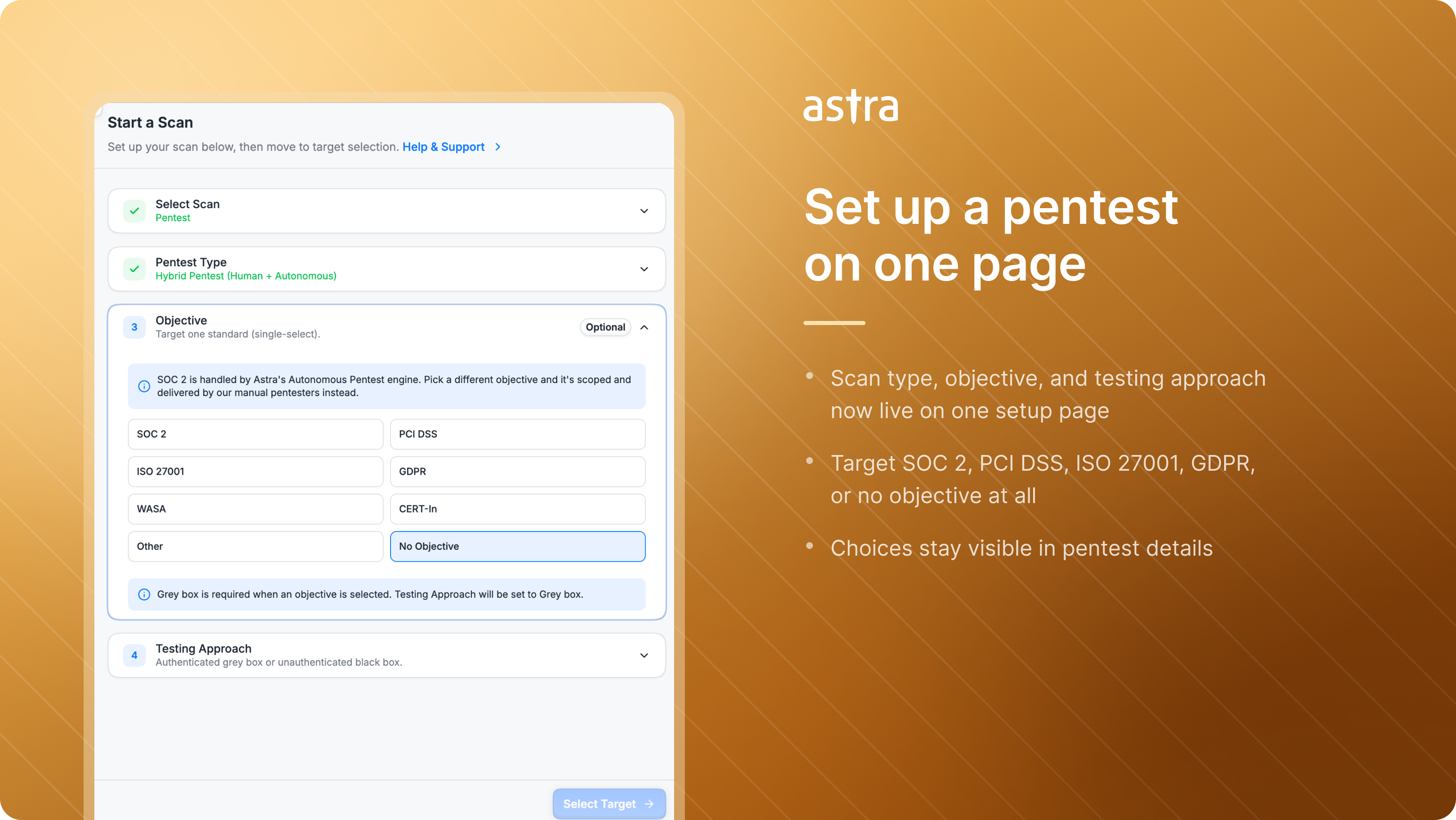
Setting up a pentest now happens on a single page. Scan type, objective, and testing approach are all chosen before you move to target selection, replacing the multi-step flow that came before.
Improvements
All-in-One Pentest Setup – The Start Scan flow now brings scan type, objective, and authenticated or unauthenticated testing together on one setup page, ahead of target selection. What used to take several steps is a single screen.
Objective Selection – Choose an objective that matches what the pentest is for. Objective section include SOC 2, PCI DSS, ISO 27001, GDPR, WASA, and CERT-IN, alongside a custom option and No Objective when none applies.
Testing Approach – Run a pentest with login credentials as authenticated grey box testing, or without them as unauthenticated black box testing. Selecting an objective requires grey box, so the testing approach is set for you and credentials are requested before launch.
Credential-Aware Targets – Targets without saved login credentials can only run unauthenticated testing. For grey box pentests you can now add credentials directly from the scan start sheet, without leaving for another page.