Jira Integration: Two-Way Sync, Easier Setup
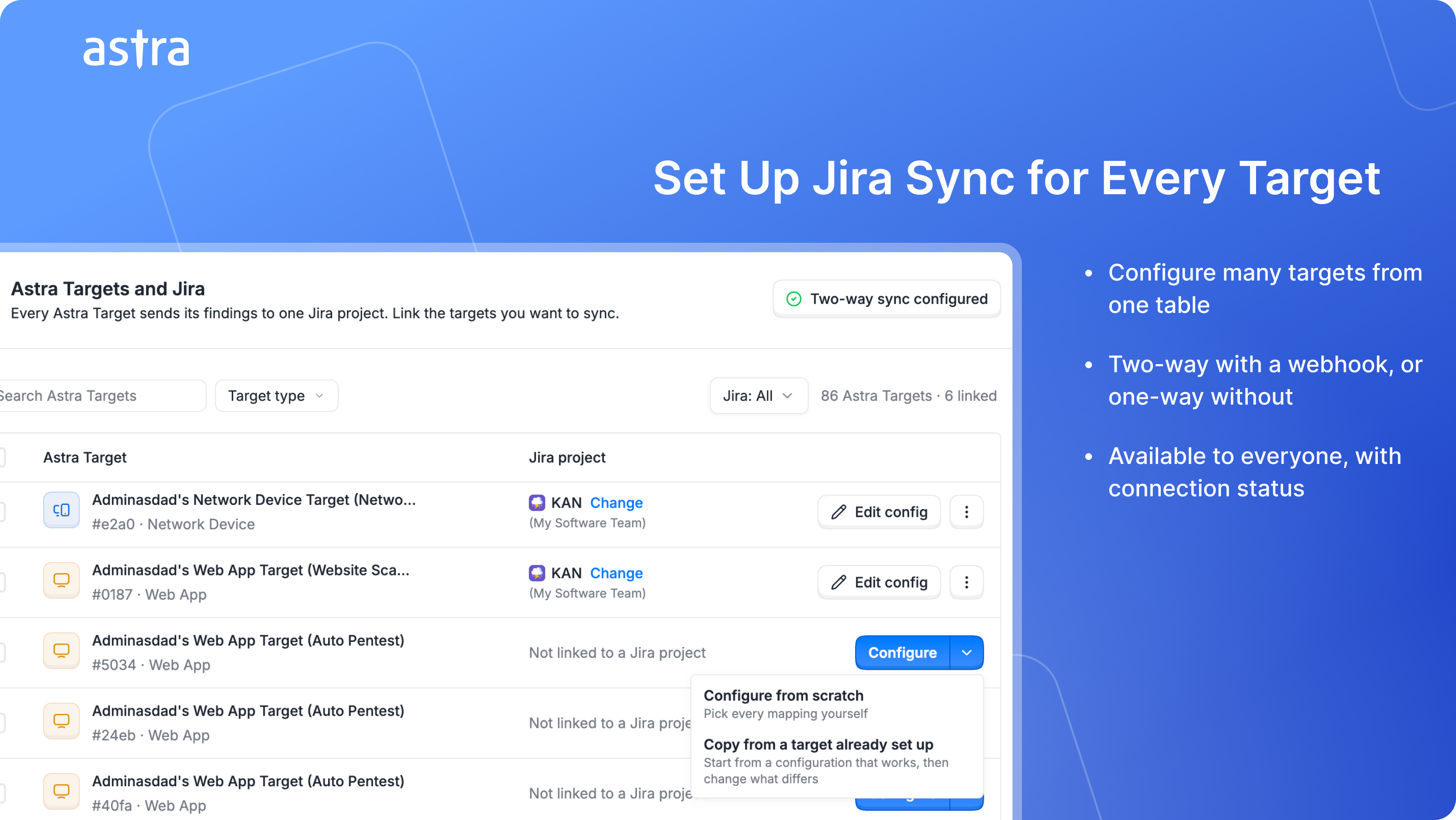
Keeping Astra and Jira in step shouldn't mean configuring every target by hand. Jira sync is now available to everyone, with a new setup flow that lets you configure many targets at once.
What's new
Two-Way or One-Way, Your Choice – Set up the webhook and changes in Jira flow back to Astra, so sync runs both ways. Skip it and Astra still creates and updates your Jira issues automatically, one way.
One Place for Every Target – See each target next to its Jira project in a single table. Link, configure, or edit from there. Select multiple targets to configure them together, or copy the setup from a target that's already working.
Guided Configuration – A step-by-step setup covers the Jira project, issue types, status, priority, custom fields, and webhook. Custom fields can fill in automatically for each issue, such as a date Astra works out or text that includes the target name or severity.
Know Your Connection Is Healthy – The Jira card shows whether Astra can currently reach your Jira.
Less time setting up sync, more time fixing what matters. Give it a try and tell us what you think.