Custom Labels for Targets
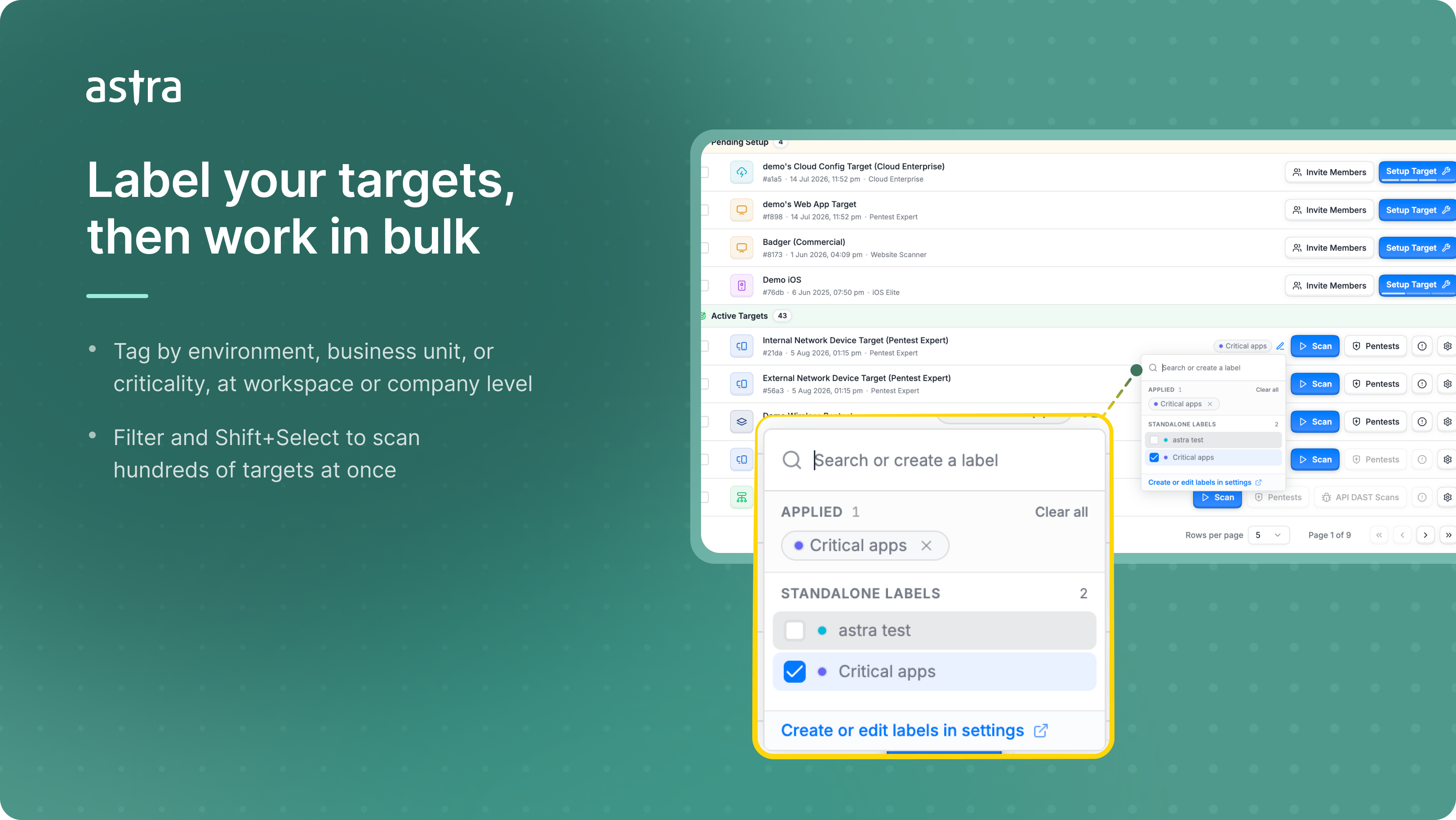
Managing a handful of targets is easy. Managing two hundred across five teams is not. Labels let you tag targets the way your organization already thinks about them, by environment, business unit, or criticality, then filter, select, and act on them in bulk instead of working down a flat list one row at a time.
What's new
Workspace and Company Labels – Create labels scoped to a single workspace, or company-wide so every team shares the same taxonomy. Both are managed from Settings.
Two Label Types – Standalone labels stack freely, so a target can be both production and high-value. Label groups are mutually exclusive, so a target carries only one label from a group like Environment: Prod, Staging, or Dev, and nothing gets double-tagged by accident.
Assign Labels in Place – Apply or change a target's labels straight from the targets table or its settings page, without opening Settings just to tag one target.
Filter and Bulk-Select by Label – Use labels as a filter in the Target Selector or the Start Scan wizard, then Shift+Select the filtered results to scan or manage all of them together.
Give it a try and tell us what you think.