Cloud Config Reviews Move to Cloud Security
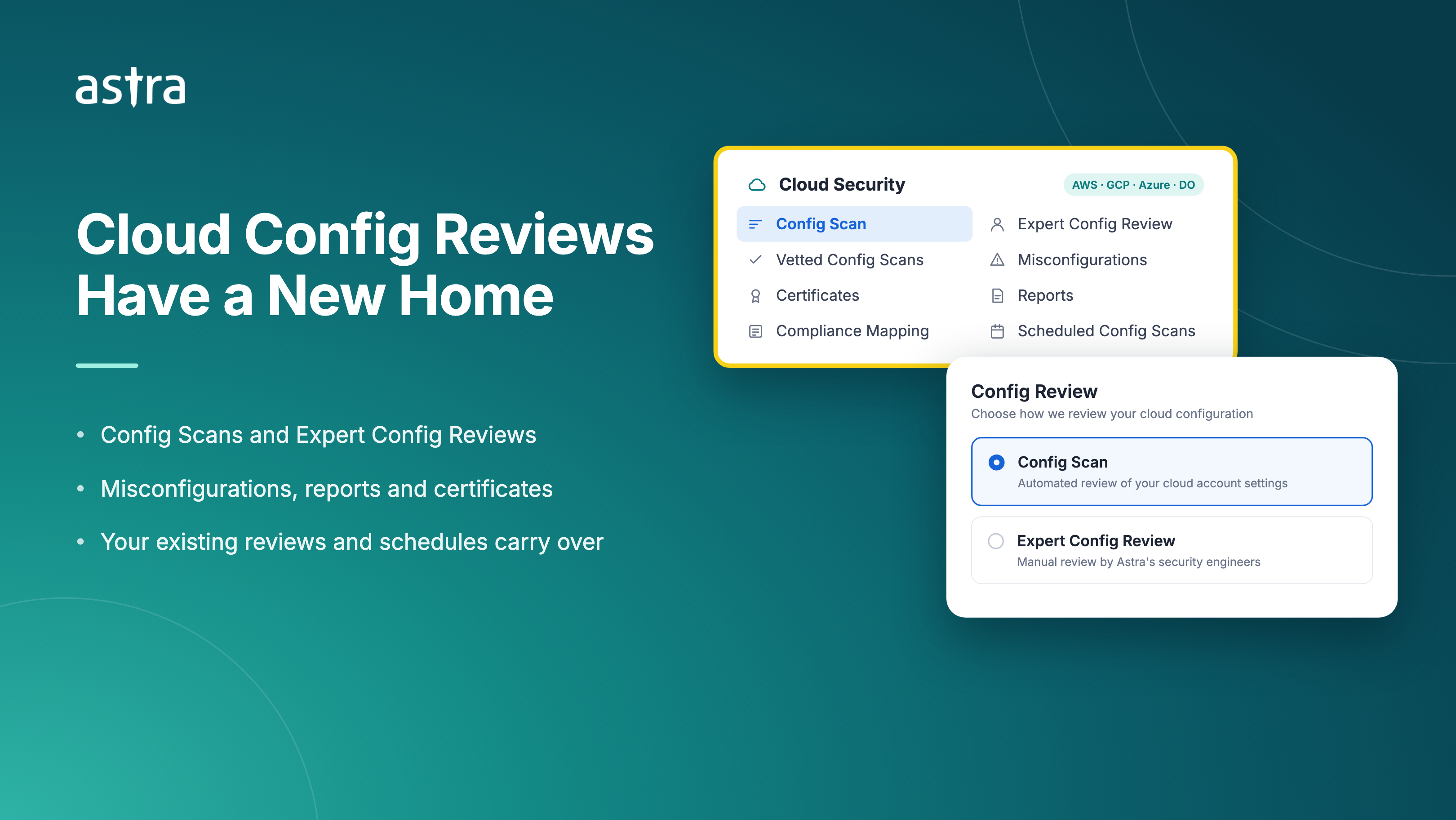
Cloud config reviews now sit under Cloud Security instead of Pentests. They also have new names that describe the work: a review of how your AWS, GCP, Azure and DigitalOcean accounts are configured.
What's new
One Home for Cloud Work – The Cloud Security menu now holds Config Scans, Expert Config Reviews, Vetted Config Scans, Misconfigurations, Certificates, Reports, Compliance Mapping and Scheduled Config Scans.
Names That Match the Work – Automated cloud scans are now Config Scans. Manual reviews by Astra's security engineers are now Expert Config Reviews. Vulnerabilities on cloud targets are now Misconfigurations, and the engineers on your review are now Reviewers.
Start the Right Review Faster – When you pick a cloud target in Start Scan, it opens on Config Review. From there you choose a Config Scan (Full) or an Expert Config Review.
Dedicated Cloud Reports – Generate cloud reports from Cloud Security → Reports. The main Reports page now covers web, API, mobile and other targets.
The Same Names Everywhere – Reports, emails, Slack alerts and certificates use the new names. For cloud targets, the Vulnerability Summary is now the Misconfiguration Summary, and Express VAPT reports are now Express Config Review reports.
Good to know
Nothing to Set Up Again – Your existing cloud reviews, findings, reports, certificates and schedules carry over as they are.
A report now covers either cloud targets or non-cloud targets, not both. If you select both, the dashboard asks you to generate two reports.
Give it a try and tell us what you think.
Learn more